
How to Optimize Google Business Profile: A Comprehensive Guide
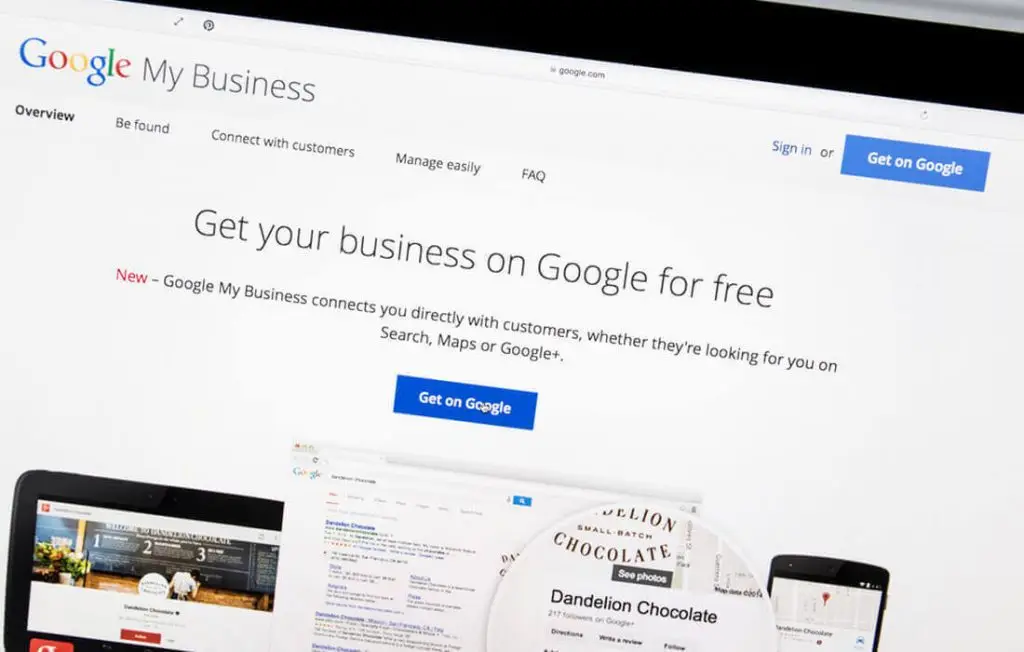
In the digital age, having an online presence is not just beneficial, but crucial for businesses. One platform that often gets overlooked is Google Business Profile. This free tool from Google allows businesses to manage their online presence across the search engine and its growing portfolio of utilities – offering the greatest impact for businesses seeking local exposure. An optimized Google Business Profile (former Google My Business – GMB) profile can be a powerful marketing tool for your business. This guide will walk you through the steps to optimize Google Business Profile and leverage this service to grow and enhance your business. Understanding Google Business Profile What is Google Business Profile? Google Business Profile is a free and easy-to-use tool for businesses and organizations to manage their online presence across Google, including Search and Maps. By verifying and editing your business information, you can help customers find you and tell them the story of your business. It’s a one-stop-shop for businesses to manage their Google-related online presence, which is especially important considering that Google is the world’s most popular search engine, processing over 3.5 billion searches per day. Why is Google Business Profile important for businesses? Google Business Profile is crucial for local SEO as it enables your business listing to appear in local search results for queries specific to your products or services. Even broad queries with large volumes display local results in the three-pack, and this is something small business owners can capitalize on. When a potential customer is searching for a product or service, Google uses their geolocation to show the nearest options. If your business is optimized for Google Business Profile, you’ll have a higher chance of showing up in these results, which can significantly increase your visibility and bring more customers through your doors. Setting Up Google Business Profile How to create a Google Business Profile account? Creating a Google Business Profile account is the first step to get your business on Google. Here’s how: This process is straightforward and only takes a few minutes. However, it’s crucial to ensure that all the information you provide is accurate and up-to-date. Verifying your business on Google Business Profile After creating your account, you’ll need to verify your business. This can be done in several ways, including by postcard, phone, email, or instant verification. Choose the method that’s best for you, and follow the prompts to complete the verification process. Verification is an important step because it proves to Google that your business is legitimate and that you are the rightful owner. Once your business is verified, you’ll have full control over your business profile and can start optimizing it for better visibility. Optimizing Your Google Business Profile Choosing the right business category Choosing the right business category is crucial as it helps Google decide which searches your local listing belongs in. You must choose from the list of available categories, as you can’t create your own. However, if you can’t find a category that fits your business, choose a general one that still describes your business accurately. For instance, if you run a vegan bakery, but there’s no “Vegan Bakery” category, you might choose “Bakery” or “Health Food Store” instead. The category you choose will help Google understand what your business does, which can influence the search terms you appear for. Adding a compelling business description Your business description should accurately represent your business and entice users to click on your listing. It should include your services, local areas you serve, and any other information that helps users understand your business. Remember to keep it concise and easy to read. For example, if you run a vegan bakery, your description might read something like this: “At Beyond Bread we’re passionate about creating delicious, cruelty-free baked goods. Located in Bangkok, we serve a variety of vegan treats, from classic pastries to innovative new flavors. Come visit us to taste the difference for yourself!” Uploading high-quality photos Photos help people find your business across Google, including on Search and Maps. They can also give people a better sense of what to expect from your business. Make sure to upload high-quality photos that represent your business well. You might include photos of your storefront, so people know what to look for when they visit. You could also include photos of your products or services in action, as well as photos of your team. These images can help potential customers feel more connected to your business. Adding your business operating hours Make sure to add your business hours to your Google My Business profile. This information helps users know when you’re open and gives them confidence that when they travel to your location, it will be open. If your hours change for holidays or other special events, remember to update them on your Google Business Profile. This can help prevent frustration and ensure a good customer experience. Managing and Responding to Reviews The importance of reviews on Google My Business Reviews on your Google My Business profile can be a powerful way to show potential customers that you’re trustworthy and reliable. They can also help you rank higher in search results. According to a study by Moz, online reviews are thought to make up 10% of how Google and other search engines decide to rank search results. Encourage your customers to leave reviews, and make it easy for them by providing a link to your Google Business Profile review page. You could also consider offering incentives for reviews, such as a discount on their next purchase. How to respond to positive and negative reviews? Responding to reviews shows that you value your customers and their feedback. Positive reviews are easy to respond to: thank the customer for their support and provide a thoughtful response. For example, “Thank you for your kind words, [Customer’s Name]! We’re thrilled to hear you enjoyed [specific detail they mentioned]. We look forward to serving you again soon!” Negative reviews can be more challenging, but
What is Link Building?
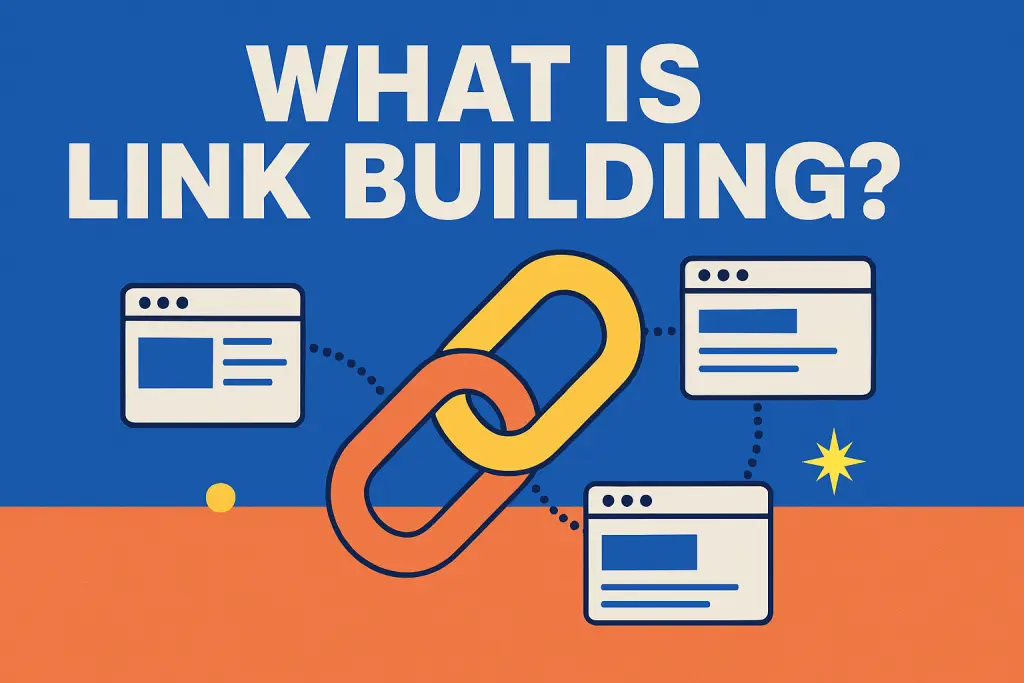
Imagine you have a fantastic website for your business – whether it’s a SaaS startup, a real estate agency, or an international school – but it’s a bit like a great party with no guests. How do you get people (and Google) to notice it? This is where link building comes into play. In plain terms, link building is about getting other websites to vouch for yours by linking to it. It’s one of the most important parts of off-page SEO and can make the difference between a website that’s a wallflower and one that’s the star of the show. What is Link Building? (Definition) Link building is the process of acquiring hyperlinks from other websites to your own website. These hyperlinks from external sites are often called backlinks. Think of each backlink as a little endorsement or recommendation for your site. When reputable sites link to yours, it’s like they’re telling search engines, “Hey, this site is worth checking out!” Since these links come from outside your own website, link building is known as an off-page SEO strategy as opposed to on-page SEO changes you make on your site). In short, it’s digital word-of-mouth: you’re building your site’s reputation by having others talk about (and link to) it. Why Link Building Matters for SEO Link building isn’t just a fancy SEO term – it’s a core factor in how well your site ranks on search engines. In fact, backlinks remain one of the top factors that Google’s algorithm looks at when deciding where to place your page in the search results. Each quality backlink acts like a vote of confidence for your website, boosting your site’s credibility and authority in Google’s eyes. The more authoritative and relevant sites that link to you, the more likely you are to climb those SEO rankings and appear on the coveted first page of search results. It’s no wonder that 95% of businesses are prioritizing link building as part of their SEO strategy in 2025 and beyond. A strong backlink profile can significantly improve your domain authority (a measure of your site’s trustworthiness) which in turn helps increase organic traffic. Plus, backlinks aren’t just for search engines – they can bring direct referral traffic too. A well-placed link on a popular site can funnel actual visitors to your page, potentially leading to new customers or inquiries. That said, it’s not simply about racking up a high volume of links. Quality trumps quantity. Search engines value backlinks from credible, relevant websites far more than links from shady or unrelated sites. (One great backlink from a respected industry blog will beat ten links from sketchy, spammy sites.) In fact, low-quality link schemes can do more harm than good, so it’s wise to focus on genuine, high-quality links for long-term success. Now, how can you go about building those quality backlinks? Let’s look at some practical examples and strategies. Link Building in Practice: Examples To make link building less abstract, here are a few real-world examples of how it works for different businesses: In each of these examples, another website is effectively saying “This business is worth checking out,” by linking to it. Over time, these links build up your site’s reputation and visibility online. Common & Effective Link Building Strategies So, how do you actively build and earn these valuable backlinks? Here are some common and effective link building strategies (that even beginners can use): Each of these strategies helps you build your backlink profile in a legitimate way. Remember, consistency is key – link building is an ongoing process, more of a marathon than a sprint. Over time, these efforts compound, and you’ll see your site’s authority and SEO rankings grow. Ready to Boost Your SEO Rankings? Link building may sound technical, but at its heart it’s about relationships and reputation. By now, you know the essentials of what link building is, why it matters, and how to start doing it. With a friendly, consistent approach, even a B2B business in SaaS, real estate, or education can earn great backlinks and climb the search results. If all this still feels a bit overwhelming or you’d like some expert guidance, we’re here to help. Contact our SEO company in Bangkok for a friendly chat about boosting your website’s authority. We’ll help you craft a smart link building strategy that elevates your off-page SEO and drives real results – higher rankings, more traffic, and more business. Let’s build those links and get your site the recognition it deserves!
12 Important SEO Tips for Your Website

Today, we’re speaking about optimizing your complete website, not only a single page, for search engines like google. After choosing the right SEO keywords but before writing a ton of content, you’ve got a few picks to make. So assume via this carefully. Earlier than you start, you want to know the following: After you’ve settled on the ones 3 matters, then it’s time to get to work. So, let’s begin, shall we? SEO hints To optimize your entire website for search engines, you’ll need to follow these basic pointers: 1. Make the website about one aspect. It is able to be approximately other stuff, too, but choose one number one topic this is maximum crucial to your message. This step is crucial, so that you can also want to do a little key-word studies earlier than choosing a subject. 2. Point out key phrases wherein they matter most. Include your “one issue” within the website title, domain name, description, tagline, keywords, blog categories, web page titles, and web page content material. In case you’re on WordPress, you could change lots of this inside the preferred Settings or via a plugin like all in one SEO Pack (which I recommend). 3. Hyperlink to inner pages on your site. Numerous content material control systems routinely do that, however, if yours doesn’t, you’ll want to be intentional about linking your most vital pages at once from your homepage and cross-linking them with every other. 4. Use a permalink shape that consists of keywords. A few websites have “unpleasant” permalink structures that use numbers to identify pages. Don’t do that. It’s horrific for SEO and simply doesn’t look true. Use a URL shape that includes text, and make sure you include key phrases on your URLs. So as an alternative of having a web page’s URL be this: It needs to appear greater like this: https://yoursite.com/coolpage/ 5. Get rid of anything that slows down your site. Web page load times are essential, so eliminate any non-necessities that abate your website. These may additionally include music players, large images, flash graphics, and useless plugins. You can test your website speed thanks to this Google Tools 6. Use keywords on your pics. Include words that reflect your site subject matter within the image title, description, and alt attributes. Additionally, re-name the file name if it doesn’t replicate your main keywords (e.g. writing-recommendations.jpg rather than d1234.jpg). 7. Link to different websites with relevant content material. You could do that by adding a blogroll, hyperlink listing, or resources page of your website. Of course, do it sparingly, as every outbound link is a “vote” for another website. but, in case you do it properly and people click on your links, this tells serps you are a trusted authority in your specific topic. 8. Update your website regularly. Websites with dynamic content frequently rank better than those with static content. That’s why blogs and directories (like Wikipedia) do so well on search engines. they are continuously being updated with new content material. 9. Ensure your website is indexed in SERPs. A variety of search engines like google will robotically discover and index your content, but don’t expect it. You want to make certain search engines like google and yahoo, Bing, and Yahoo are crawling your website, in order that people are finding you on the Internet. (you may add them without delay, in the event that they’re now not.) 10. Have other websites link to you. This is actually, definitely critical, with regards to search engine optimization. The bummer is that it’s no longer something you could always control. apart from developing great content, the only thing you can do is ask (which once in a while works). My suggestion is to spend the time you would trying to persuade somebody to link to you on just writing excellent content. And, start guest posting on other blogs. No matter what you do, understand that inbound links are vital to SEO. 11. Prevent changing your domain name. The age of your URL is an element of your website’s search ranking, so be patient. In case you’re launching a brand new weblog every six months, you’ll never see your website get the value it deserves. 12. Write like a human. Not one of the above matters if you create content that seems like a robot wrote it. Write outstanding stuff, comply with the steps above, have patience, and you’ll see outcomes. I realize that a lot of you’ve got already started out blogging, however, lots of these hints may be implemented retroactively. And as soon as in case you completed this, you could begin writing normal content. For extra about writing search engine optimization pages, study the following article in this collection: The fool-evidence fundamentals to Writing search engine optimization Pages. Not sure when to start? Check out our SEO Services to improve your rankings on SERPs.